The 12 Best Form Builder Software Options for 2026
Discover the best form builder software for any use case. Our in-depth review covers features, pricing, and pros/cons for Typeform, Jotform, Tally, and more.
Forms are the unsung heroes of digital interaction. They are the primary interface for collecting customer feedback, generating leads, processing payments, and registering users. Yet, a poorly designed or clunky form can be the single point of failure that costs you a conversion. The difference between a successful data collection strategy and a frustrating user experience often comes down to the tool you use. Choosing the right platform is a critical business decision, not just a technical one.
This guide is designed to help you navigate the crowded market and find the best form builder software for your specific needs. We move beyond generic feature lists to provide an in-depth, practical analysis of the top contenders, including Typeform, Jotform, Tally, and dedicated WordPress solutions like Gravity Forms. We'll dissect each tool's capabilities, from advanced conditional logic and payment integrations to its embedding flexibility and user interface. For each option, you'll find a concise review, key features, pricing breakdowns, ideal use cases, and an honest assessment of its pros and cons.
To give you a practical starting point, exploring some high-converting lead generation form examples can help you visualize what's possible with a powerful builder. This resource list is structured for strategic decision-making, complete with a detailed comparison table and a buyer's checklist to ensure you select a tool that not only collects data but actively contributes to your growth. Let's find the perfect form builder for your project.
1. Typeform
Typeform stands out in the crowded market of form builders with its conversational, one-question-at-a-time approach. This user-centric design creates an interactive experience that feels more like a conversation than a traditional form, which can significantly boost completion rates. It's an excellent choice for user feedback surveys, lead generation quizzes, and stylish contact forms that reflect a strong brand identity.
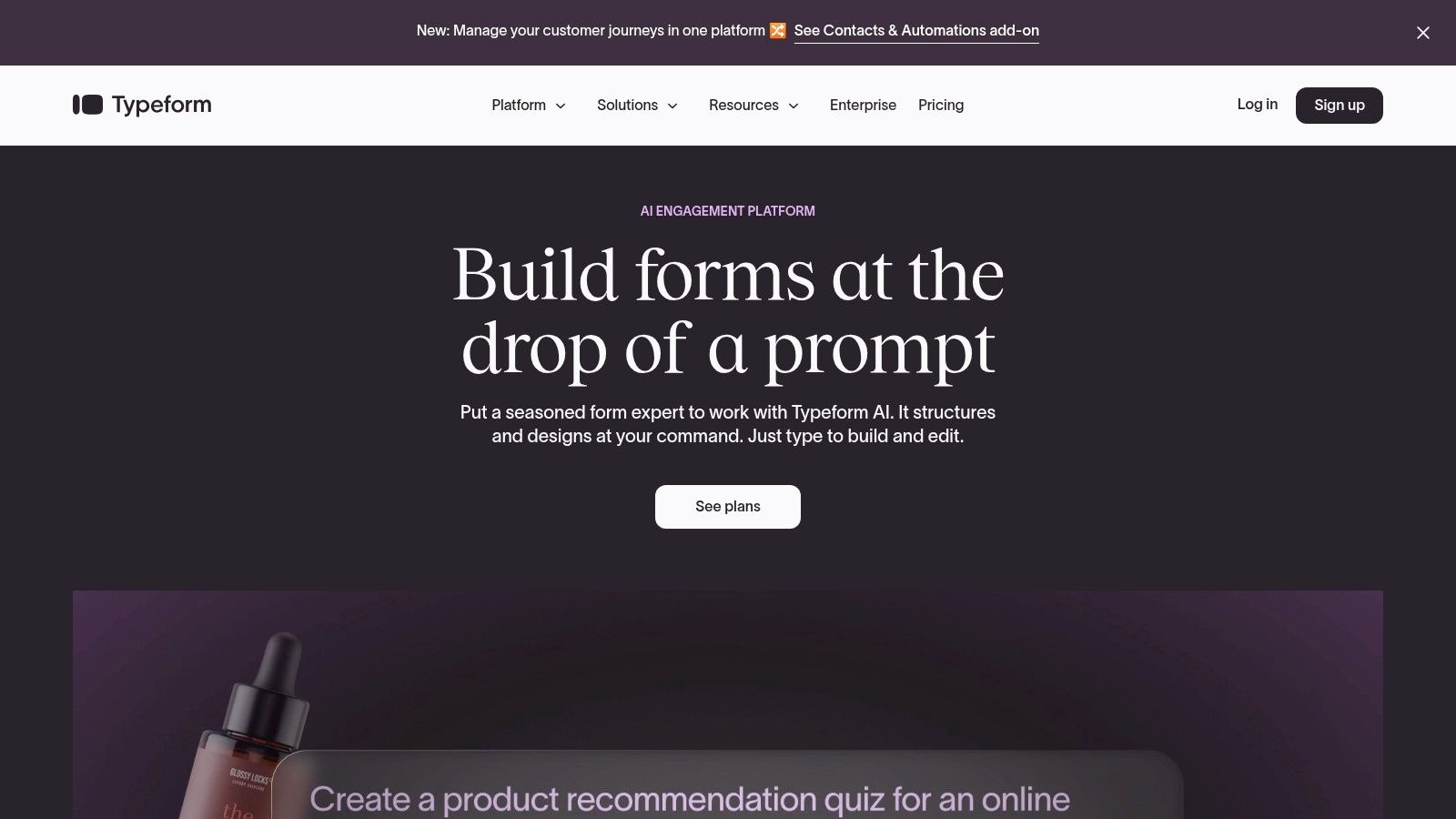
The platform is a leader among the best form builder software due to its polished interface and powerful logic features. Its Logic Jumps guide users down different paths based on their answers, making surveys feel personal and relevant. This level of customization is invaluable for segmenting new leads. For deeper analysis of response data, external tools offering Typeform analytics and free reports can provide granular insights into user behavior and data utility.
Key Features & Pricing
- Best For: Lead generation, user feedback, and interactive surveys.
- Unique Selling Point: The conversational user experience and beautiful design templates that lead to higher engagement and completion rates.
- Pricing: Starts with a very limited free plan (10 responses/month). Paid plans begin at $25/month for 100 responses and scale up, offering unlimited forms, advanced logic, and branding options on higher tiers. Enterprise plans add SSO and HIPAA compliance.
- Integrations: Connects seamlessly with hundreds of apps like Slack, Mailchimp, and Salesforce, making it a powerful hub in your workflow. Its robust API and webhooks also allow for deep custom integrations. For those interested, you can learn more about integrating Typeform with marketing automation tools.
Pros:
- Superior user experience and design.
- Powerful conditional logic and variables.
- Scales from solo creators to enterprise teams.
Cons:
- The free plan is extremely restrictive.
- Strict monthly response limits can become costly as you scale.
Website: https://www.typeform.com
2. Jotform
Jotform is a veteran in the form builder space, offering an all-in-one platform packed with features that go far beyond simple data collection. Its drag-and-drop interface, massive library of over 10,000 templates, and extensive widgets make it incredibly versatile for nearly any use case, from complex registration forms to payment processing and data management.
Jotform distinguishes itself as one of the best form builder software options due to its sheer breadth of functionality. Beyond standard forms, it includes a built-in PDF editor for creating fillable documents, an e-signature tool for legally binding agreements, and even an app builder to package forms into a mobile-friendly experience. This comprehensive toolkit makes it a powerful choice for organizations needing to streamline multiple data-centric workflows without juggling several different subscriptions.
Key Features & Pricing
- Best For: Healthcare, education, nonprofits, and businesses needing a feature-rich, all-in-one data collection solution.
- Unique Selling Point: Its extensive feature set, including a PDF builder, e-signature capabilities, and a vast template library, all within a single platform.
- Pricing: Offers a generous free plan with 100 submissions/month. Paid plans start at $34/month (billed annually) for 1,000 submissions and scale up, with higher tiers offering HIPAA compliance, more storage, and API access. Discounts are available for nonprofits and educational institutions.
- Integrations: Connects with over 150 applications, including popular CRM systems, payment gateways like Stripe and PayPal, and cloud storage services like Google Drive and Dropbox.
Pros:
- A very broad and powerful ecosystem of templates, widgets, and integrations.
- Strong customer support and well-documented discounts for education and nonprofits.
- Includes advanced features like a PDF editor and e-signatures in its core offering.
Cons:
- Strict usage caps on forms, submissions, and storage may force upgrades as volume grows.
- Pricing can vary significantly based on the billing cycle, so limits should be confirmed before launching major campaigns.
Website: https://www.jotform.com
3. Formstack Forms
Formstack Forms positions itself as a robust data collection suite designed for organizations with complex operational needs, particularly those in regulated industries like healthcare and finance. It moves beyond simple form creation, offering a platform that combines forms, document generation, and e-signatures into a single, cohesive workflow. This makes it an ideal choice for automating multi-step processes like patient intake, contract approvals, or new hire onboarding.
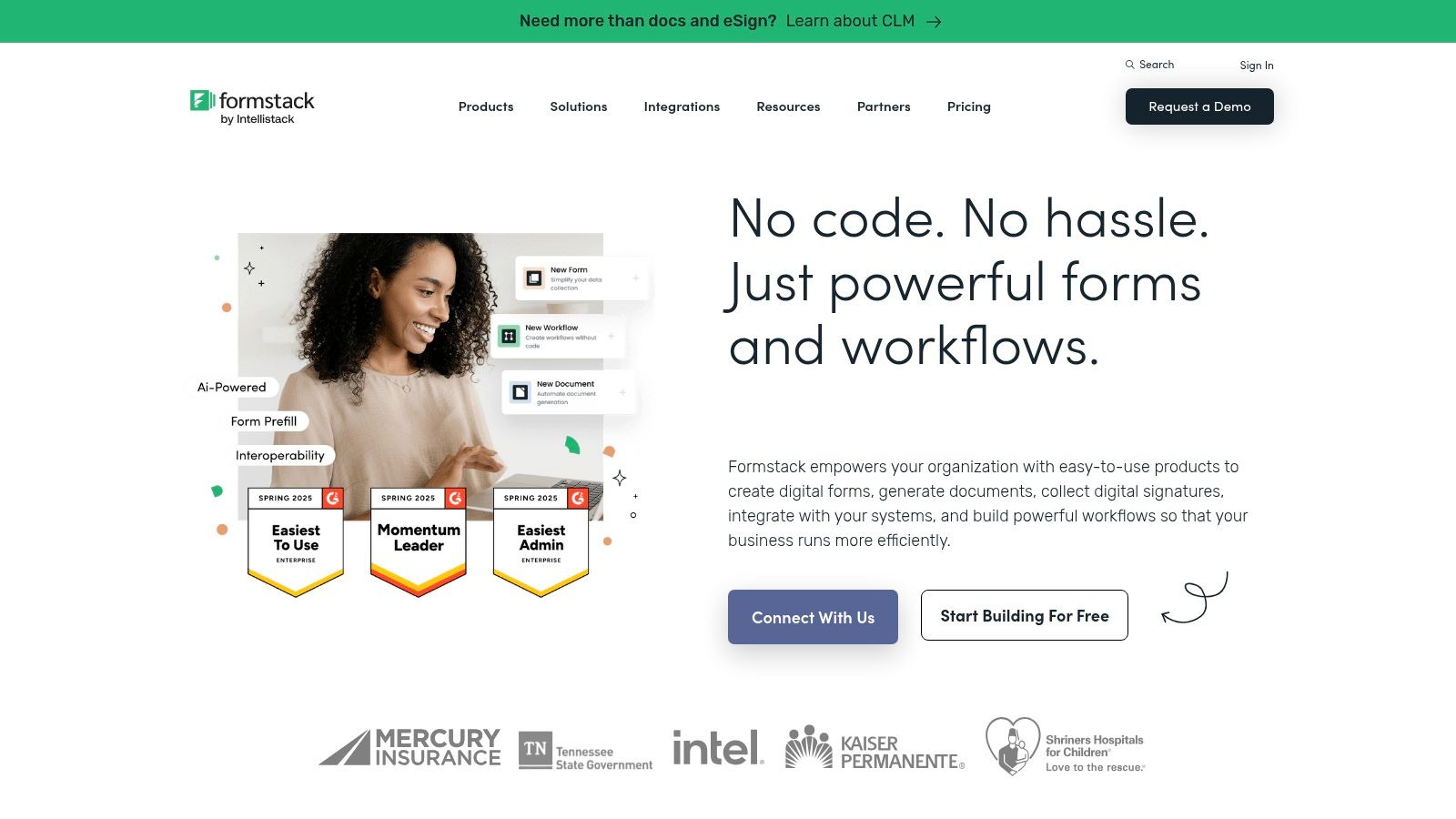
As a contender for the best form builder software, its strength lies in security, compliance, and deep integration capabilities. Features like visual approval workflows, data routing, and pre-filling forms from existing data sources streamline internal processes and reduce manual data entry. For businesses operating within strict regulatory frameworks, Formstack's HIPAA-supporting plans and commitment to enterprise-grade governance provide essential peace of mind and operational efficiency.
Key Features & Pricing
- Best For: Healthcare, legal, finance, and enterprise teams needing secure, compliant data collection and automated workflows.
- Unique Selling Point: A comprehensive suite that combines forms, documents, and e-signatures with strong compliance features, including HIPAA support and Salesforce-native options.
- Pricing: The "Forms" module starts at $50/month. The full "Platform" suite with forms, documents, and signatures begins at a higher price point. Enterprise plans offer advanced governance and security features.
- Integrations: Offers a deep, native integration with Salesforce, allowing users to build and manage forms directly within the CRM. It also connects to a wide array of payment gateways, CRMs, and marketing automation tools.
Pros:
- Excellent for building complex organizational workflows and approval processes.
- Strong compliance and security features, making it a top choice for healthcare customers.
- Powerful suite bundles combine multiple data management tools into one platform.
Cons:
- Significantly higher starting price compared to many SMB-focused tools.
- Some advanced workflow and security features are gated behind expensive suite or enterprise tiers.
Website: https://www.formstack.com
4. Paperform
Paperform positions itself as a digital Swiss Army knife, moving beyond simple forms to create landing page-style experiences. Its free-text editor feels more like a document than a rigid form builder, allowing users to embed text, images, and videos seamlessly alongside question fields. This flexibility makes it ideal for creating product order pages, event registrations, and client booking systems that require more context and branding than a standard form allows.
Paperform is a strong contender for the best form builder software because it combines powerful e-commerce and scheduling features with extensive design control. You can build a form that functions as a one-page website, complete with payment processing, appointment booking, and automated calculations. This versatility makes it an excellent choice for small businesses and creators looking to consolidate their tools and create a polished, professional front for their customers.
Key Features & Pricing
- Best For: Small businesses, e-commerce, and service providers needing to process payments, schedule appointments, and generate quotes.
- Unique Selling Point: The powerful "page" editor that blends form fields with rich content, enabling the creation of branded, all-in-one solutions for commerce and bookings.
- Pricing: There is no free plan, but a 14-day trial is available. The Essentials plan starts at $20/month, offering unlimited forms and 1,000 submissions. The Pro plan at $40/month adds more submissions and advanced features like custom analytics, while the Business plan unlocks custom domains and priority support.
- Integrations: Connects with over 3,000 apps via direct integrations and Zapier. It supports major payment gateways like Stripe, PayPal, and Square, along with scheduling tools and CRM platforms. Custom PDF generation and robust webhooks are also available.
Pros:
- Highly brandable, landing-page style forms for commerce and bookings.
- Broad use cases: orders, bookings, quizzes, and quotes.
- Unlimited forms are included on all paid plans.
Cons:
- Feature depth can feel heavy for very simple or occasional use.
- Some advanced analytics and API features are reserved for higher tiers.
Website: https://paperform.co
5. Tally
Tally has rapidly gained popularity by challenging the traditional pricing models of form builders. It operates on a generous "free-first" philosophy, offering an impressive 99% of its features, including unlimited forms and submissions, at no cost. This makes it an incredibly attractive option for startups, indie makers, and businesses looking for powerful functionality without the immediate financial commitment.
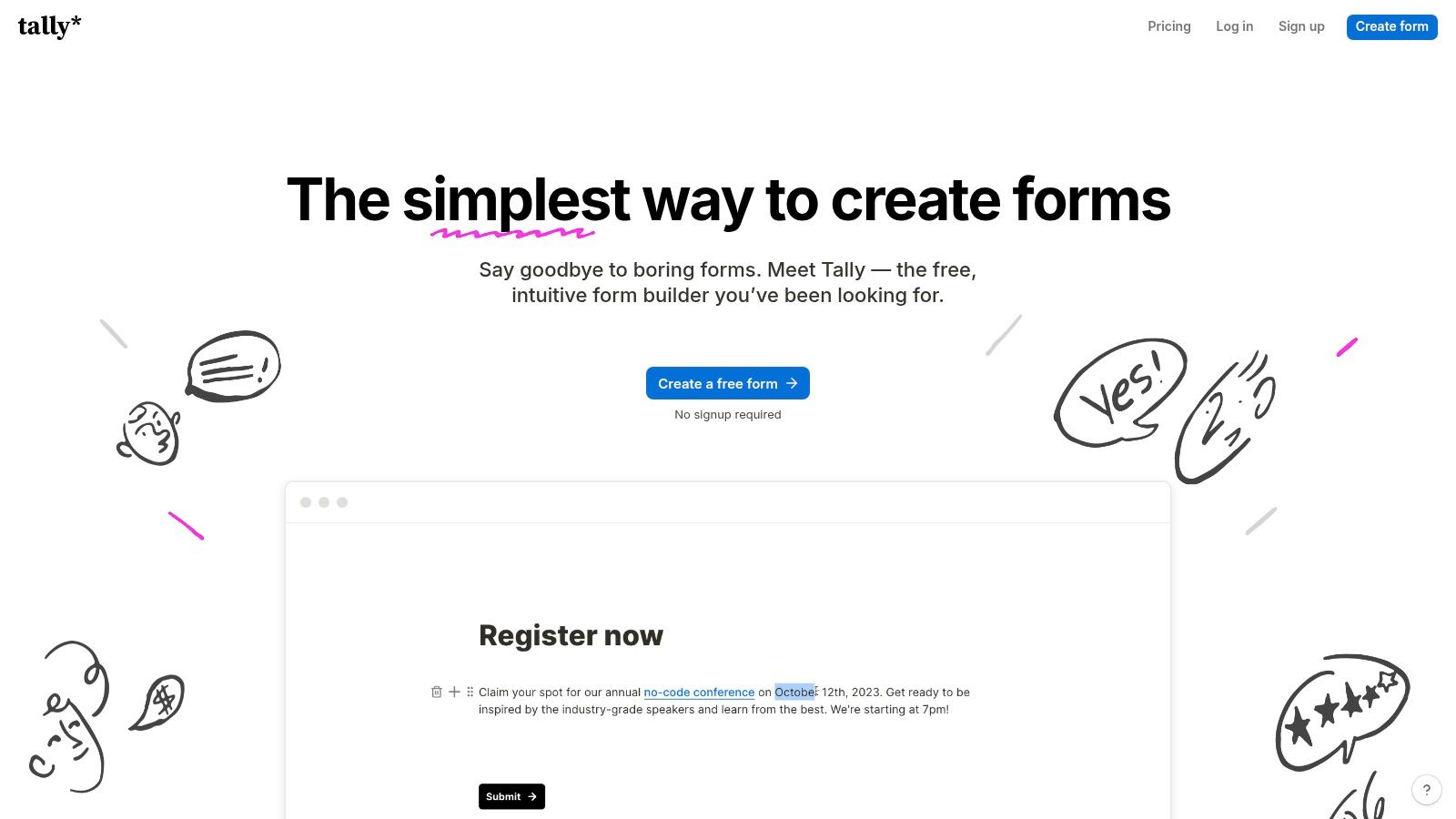
The platform's intuitive, Notion-like interface allows users to build forms as easily as typing a document. It is considered one of the best form builder software options for its combination of simplicity and power, offering features like conditional logic, payment integrations, and hidden fields under its fair-use free model. For teams looking to streamline their operations, integrating a form builder like Tally is a key step, and you can explore more ways to enhance team efficiency by learning about some of the best productivity tools for startups.
Key Features & Pricing
- Best For: Startups, indie makers, and budget-conscious teams needing powerful features without high costs.
- Unique Selling Point: A remarkably generous free plan that includes unlimited forms, submissions, and advanced features that are typically paywalled by competitors.
- Pricing: A powerful free plan with a fair-use policy. The Tally Pro plan starts at $29/month, adding features like custom domains, team collaboration, and removal of Tally branding. A Business plan is available for enhanced governance and security controls.
- Integrations: Connects with popular tools like Notion, Airtable, Google Sheets, Slack, and Zapier, enabling smooth data flow and automation across your tech stack.
Pros:
- Excellent value with an unmatched free offering.
- Simple, intuitive block-based editor.
- Fast to share and embed on any website.
Cons:
- The fair-use model may require an upgrade for very high-traffic use cases.
- Lacks some of the advanced enterprise-grade controls found in legacy platforms.
Website: https://tally.so
6. Cognito Forms
Cognito Forms carves out a niche by offering sophisticated features like advanced calculations, repeating sections, and document generation at a highly competitive price point. It's a pragmatic choice for small to medium-sized businesses that need powerful logic for order forms, registrations, or data collection without the enterprise-level cost. The platform excels at handling complex scenarios that go beyond simple contact forms.
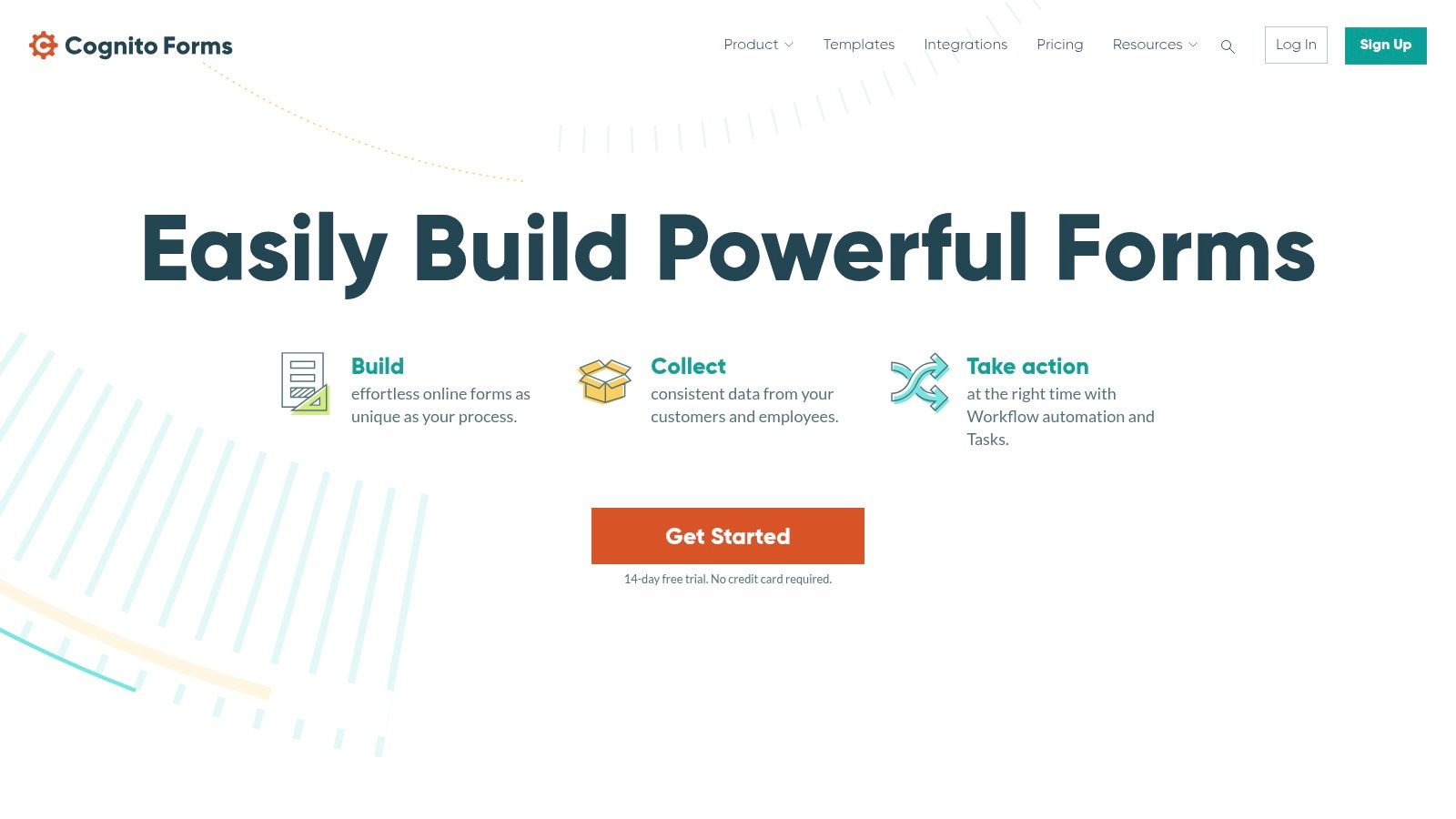
As a contender for the best form builder software, its strength lies in blending advanced functionality with accessibility. Features like save-and-resume and electronic signatures are built-in, making it ideal for longer applications or agreements. The ability to generate PDF or Word documents from form submissions automates workflows for proposals, invoices, or contracts, providing significant value for businesses looking to streamline operations.
Key Features & Pricing
- Best For: Complex order forms, event registrations, and internal business workflows.
- Unique Selling Point: Powerful calculation engine and repeating sections that allow for dynamic, spreadsheet-like functionality directly within the form.
- Pricing: A generous free plan includes unlimited forms and 500 entries/month. Paid plans start at $15/month, unlocking more entries, storage, and removing branding. Higher tiers offer HIPAA compliance and advanced workflow features.
- Integrations: Offers key integrations with payment gateways like Stripe, PayPal, and Square, alongside connections to Zapier and Microsoft Power Automate for extensive workflow automation.
Pros:
- Deep functionality for the price, especially calculations and price fields.
- Generous free tier and affordable paid plans.
- Flexible user/seats model with prepay discounts.
Cons:
- The interface is more functional than aesthetically driven compared to competitors.
- API and automation limits scale with the pricing tier, so users should monitor request overages.
Website: https://www.cognitoforms.com
7. Gravity Forms (WordPress)
For businesses and developers deeply integrated into the WordPress ecosystem, Gravity Forms is a powerhouse plugin that transforms a standard website into a robust data collection tool. It goes far beyond simple contact forms, enabling complex, multi-page applications, user registration, and even e-commerce checkouts directly within the WordPress dashboard. Its reliability and extensibility make it a go-to for developers who need full control.
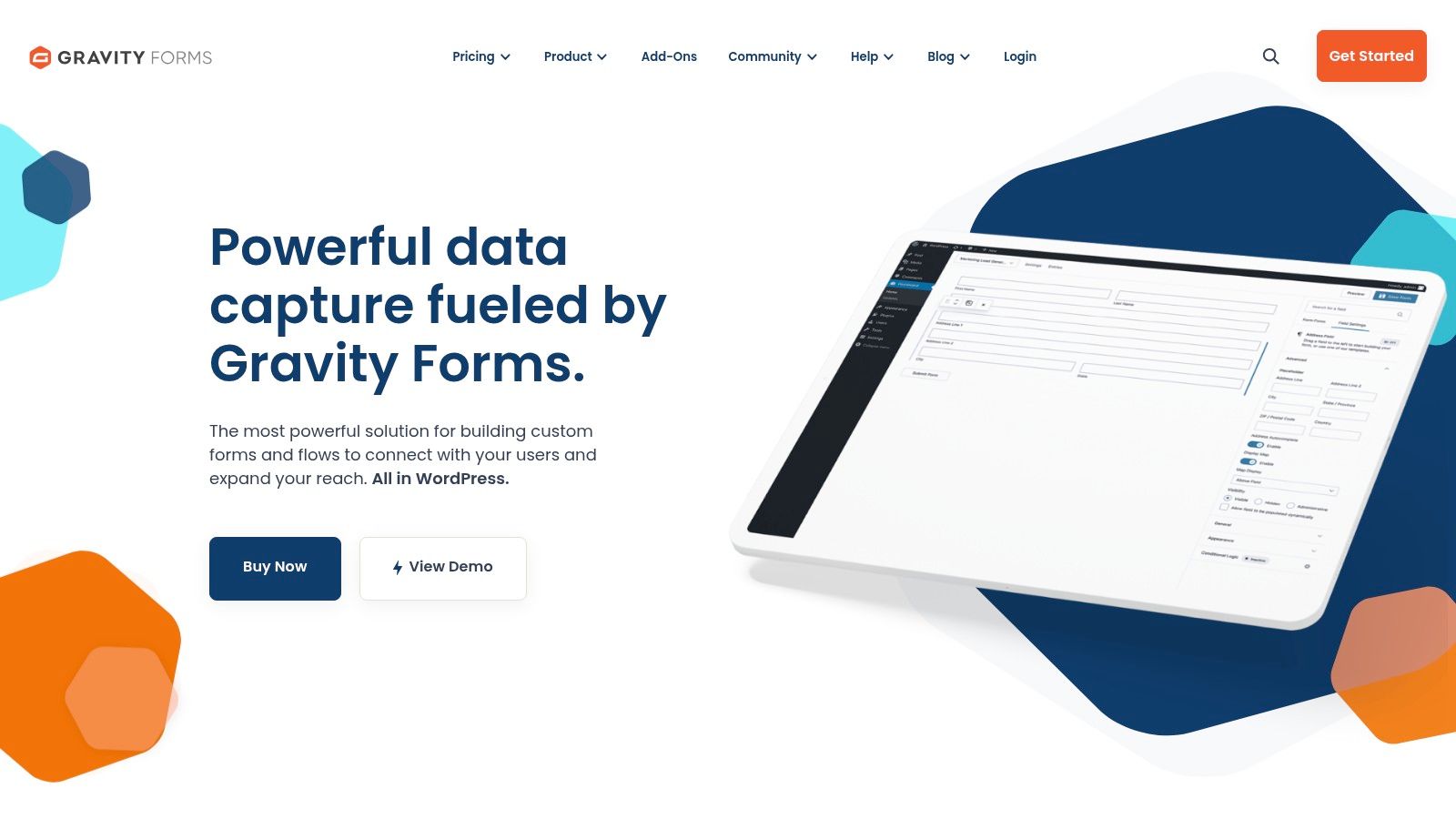
The platform is a long-standing contender among the best form builder software specifically for its mature add-on ecosystem. This vast library allows users to connect forms to payment gateways, CRMs, email marketing services, and more without writing custom code. The visual builder, complete with advanced conditional logic, makes it possible to create sophisticated forms that adapt to user input in real-time, all while keeping the data self-hosted on your own server.
Key Features & Pricing
- Best For: WordPress users needing advanced, integrated forms for payments, user registration, and surveys.
- Unique Selling Point: Its deep integration with WordPress and a massive ecosystem of official and third-party add-ons that cover nearly any business need.
- Pricing: There is no free version. Licensing starts at $59/year for a single site with basic add-ons. The Pro plan at $159/year and Elite plan at $259/year are required for payment gateways, CRM integrations, and advanced features like surveys and signatures. All plans offer unlimited forms and entries.
- Integrations: Connects to a huge variety of services via its extensive add-on library, including Stripe, PayPal, Mailchimp, HubSpot, and Zapier. The Elite license unlocks the most powerful integrations.
Pros:
- Mature ecosystem and reliable WordPress performance.
- Pro/Elite add-ons cover most business needs without custom code.
- Unlimited forms and entries on all plans.
Cons:
- Requires a self-hosted WordPress site; you manage all updates and security.
- Annual licensing can be costly, especially for multi-site or advanced add-ons.
Website: https://www.gravityforms.com
8. Ninja Forms (WordPress)
For WordPress users, Ninja Forms offers a powerful and flexible solution that lives directly inside your dashboard. It operates on a freemium model, providing a robust core plugin for free that can be extended with a vast library of paid add-ons. This approach allows users to build everything from a simple contact form to complex, multi-step registration flows with payment integrations, all without leaving their WordPress environment.
As one of the best form builder software options for the WordPress ecosystem, its key strength is modularity. You only pay for the specific functionality you need, whether it's conditional logic, connections to CRMs, or payment gateways. The core plugin is generous, allowing unlimited forms and submissions, making it an excellent starting point for new websites or projects on a tight budget.
Key Features & Pricing
- Best For: WordPress site owners who want a native, scalable form solution.
- Unique Selling Point: A "pay-only-for-what-you-need" model with a strong free core plugin and an extensive marketplace of individual add-ons.
- Pricing: The core plugin is free. Individual add-ons start from $49/year, with membership bundles that include multiple add-ons starting at $99/year.
- Integrations: Connects to dozens of services via premium add-ons, including PayPal, Stripe, Mailchimp, HubSpot, and Zapier.
Pros:
- Capable and unlimited free core plugin.
- Highly customizable with an à la carte add-on system.
- Membership bundles can offer excellent value for advanced users.
Cons:
- Costs for individual add-ons can accumulate quickly.
- As a WordPress plugin, all hosting, security, and maintenance are the user's responsibility.
Website: https://ninjaforms.com
9. Google Forms
Google Forms is the go-to choice for anyone needing a simple, fast, and completely free form builder. Tightly integrated into the Google ecosystem, it is perfect for creating quick internal surveys, educational quizzes, or basic event registration forms. Its main strength lies in its simplicity and the seamless connection to other Google Workspace apps, particularly Google Sheets.
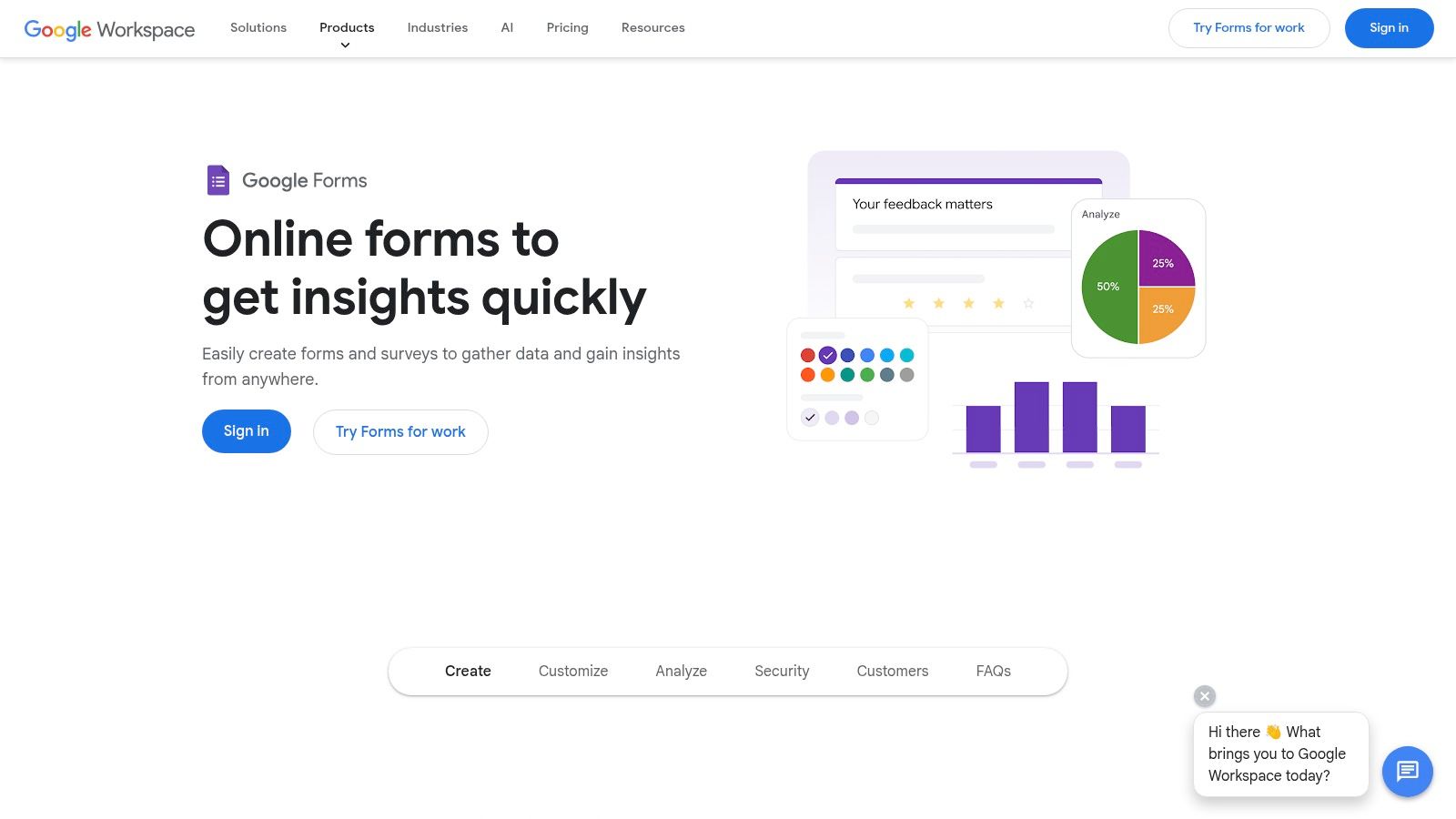
While it may not have the aesthetic polish of its paid counterparts, Google Forms is undeniably one of the best form builder software options for straightforward data collection. The platform automatically organizes responses into charts or sends them directly to a Google Sheet for real-time analysis, making data handling incredibly efficient. For those collecting contact information, its integration capabilities are a key asset, as you can easily export respondent data for use in other platforms. You can learn more by exploring this email marketing software comparison.
Key Features & Pricing
- Best For: Internal company surveys, educational use, and simple data collection.
- Unique Selling Point: Completely free with a Google account and offers unparalleled integration with Google Sheets for instant data analysis and collaboration.
- Pricing: Free for personal use. Business features, including enhanced security and administration, are available through a paid Google Workspace subscription, which starts at $6/user/month.
- Integrations: Its core strength is its native connection to the Google Workspace suite (Sheets, Drive, Docs). While it lacks the extensive third-party library of premium tools, Google App Scripts and add-ons can extend its functionality.
Pros:
- Completely free and extremely easy to get started with.
- Seamless, real-time data syncing with Google Sheets.
- Reliable performance and collaboration features.
Cons:
- Very limited design customization and branding options.
- Lacks advanced features like payment processing and complex automation.
Website: https://www.google.com/forms/about
10. Microsoft Forms
For organizations already embedded in the Microsoft 365 ecosystem, Microsoft Forms is a practical and convenient choice for creating surveys, quizzes, and polls. Its primary strength lies in its seamless integration with other Microsoft apps, allowing for easy data collection within Teams, SharePoint, or Outlook and direct export to Excel for analysis. It's an excellent tool for internal feedback, simple event registrations, and educational assessments.
While not as feature-rich as standalone competitors, its inclusion in most business and education plans makes it a cost-effective solution. Microsoft Forms stands out as a solid contender for the best form builder software when internal data capture, tenant-level governance, and user familiarity are priorities. The platform allows for simple branching logic and automatic grading for quizzes, catering well to corporate training and academic needs.
Key Features & Pricing
- Best For: Internal company surveys, educational quizzes, and simple data collection within Microsoft-centric organizations.
- Unique Selling Point: Deep, native integration with the Microsoft 365 suite (Excel, Teams, SharePoint, Power Automate) and centralized administration controls.
- Pricing: Included at no extra cost with most Microsoft 365 Business, Enterprise, and Education plans. A free version with limited features is available with a personal Microsoft account.
- Integrations: Connects natively across the Microsoft ecosystem. Further automation is possible by leveraging Power Automate to link form submissions to hundreds of other services.
Pros:
- Often free for organizations already using Microsoft 365.
- Extremely low learning curve for anyone familiar with Office products.
- Strong security and compliance controls managed at the tenant level.
Cons:
- Customization and branding options are very limited.
- Lacks advanced logic, calculations, and payment fields found in dedicated form builders.
- Sharing forms with external or anonymous users can be restricted by organizational policies.
Website: https://forms.microsoft.com
11. Fillout
Fillout is a modern and powerful form builder that has quickly gained traction for its generous free tier and deep integrations with modern productivity tools. It's designed for speed and efficiency, allowing users to create high-performing, multi-page forms that feel native to their existing workflows, especially those built around Airtable, Notion, and Google Sheets.
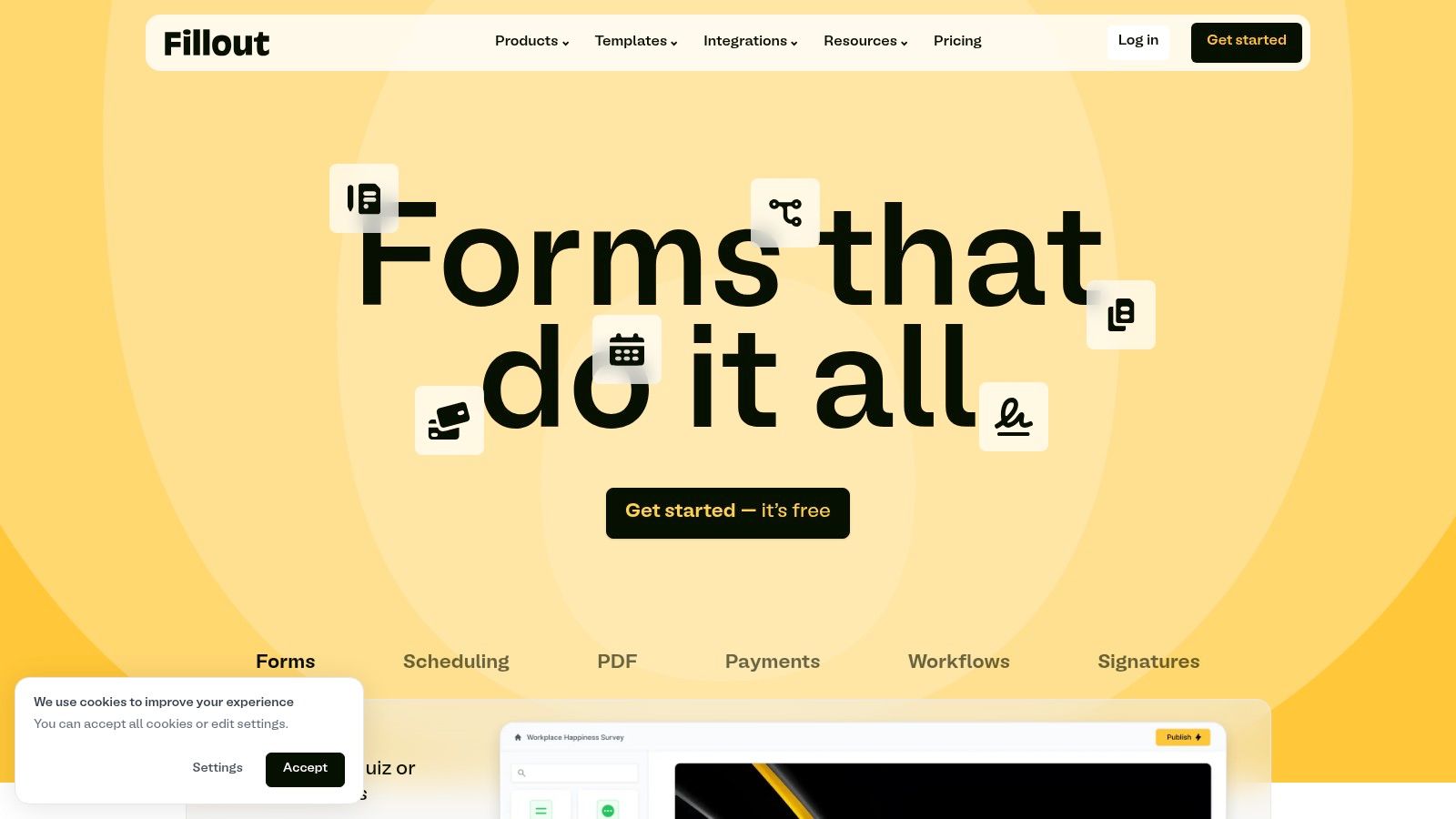
As one of the best form builder software options for teams, Fillout's standout feature is its seamless two-way data sync with platforms like Airtable. This allows you to pull data into your forms (prefilling fields or creating dynamic options) and push submissions back without complex workarounds. This capability makes it ideal for internal tools, client portals, and complex data collection processes where context is key.
Key Features & Pricing
- Best For: Teams using Airtable or Notion, creating internal tools, and developers needing a fast, embeddable form solution.
- Unique Selling Point: Deep, native integrations with modern databases like Airtable and Notion, combined with an exceptionally generous free plan.
- Pricing: A free plan includes unlimited forms and seats for up to 1,000 responses/month. The Starter plan is $15/month for 2,000 responses, adding features like payments and scheduling. Business plans offer custom CSS, form analytics, and more advanced workflows.
- Integrations: While its core strength lies in Airtable and Notion, Fillout also integrates with Google Sheets, Stripe, Calendly, and offers webhooks for custom connections.
Pros:
- Extremely generous free plan with unlimited seats.
- High-performance forms that load quickly.
- Powerful, best-in-class integrations with Airtable and Notion.
Cons:
- As a newer platform, it has fewer templates and pre-built integrations than legacy competitors.
- Some advanced features like detailed analytics require a paid plan.
Website: https://www.fillout.com
12. G2 (Online Form Builder category)
While not a form builder itself, G2’s Online Form Builder category is an essential research hub for anyone evaluating their options. It serves as a comprehensive software marketplace and comparison site, aggregating verified user reviews, feature matrices, and market grids. This allows you to perform a side-by-side evaluation of dozens of tools before committing to a purchase.
G2 is a crucial resource when searching for the best form builder software because it centralizes real-world feedback and data-driven comparisons. The platform’s detailed filters and satisfaction scores help you move beyond marketing claims to see how tools actually perform for businesses like yours. Use its comparison feature to identify niche capabilities and uncover strong alternatives to mainstream vendors.
Key Features & Pricing
- Best For: Pre-purchase research, vendor comparison, and validating a shortlist of form builders.
- Unique Selling Point: Aggregates verified user reviews and provides objective comparison grids, giving buyers an unbiased overview of the market landscape.
- Pricing: Free to browse, research, and read reviews. G2 makes money from vendors who pay for premium profile placements and lead generation features.
- Integrations: Not applicable as a review platform, but it provides direct links to vendor websites, free trials, and purchase pages.
Pros:
- Broad, up-to-date overview of leading and niche form tools.
- Relies on real-user feedback and satisfaction scores.
- Helpful for identifying specific capabilities and potential alternatives.
Cons:
- Ratings and visibility can sometimes favor popular vendors with larger review volumes.
- The category pages can feel dense, and navigation can be noisy.
Website: https://www.g2.com/categories/online-form-builder
Top 12 Form Builder Comparison
| Product | ✨ Core features | ★ UX / Quality | 💰 Price / Value | 👥 Target audience | 🏆 USP / Notes |
|---|---|---|---|---|---|
| Typeform | Conversational 1‑Q flow, logic, integrations, custom domains | ★★★★ | 💰 Mid‑high; strict response caps | 👥 Brands → Enterprise (SSO/HIPAA) | 🏆 Best‑in‑class completion UX & branding |
| Jotform | Drag‑drop, 10k+ templates, PDF builder, e‑sign, integrations | ★★★★ | 💰 Flexible; edu/nonprofit discounts; usage caps | 👥 SMBs, enterprise, education, nonprofits | 🏆 Massive template & integration library |
| Formstack Forms | Visual workflows, approvals, HIPAA, Salesforce native | ★★★★ | 💰 Premium — higher entry price | 👥 Regulated industries & enterprises | 🏆 Compliance + complex workflow support |
| Paperform | Page‑style forms, payments, scheduling, API, SOC 2 | ★★★★ | 💰 Mid; commerce features on higher tiers | 👥 Commerce, bookings, marketers | 🏆 Highly brandable forms for commerce |
| Tally | Feature‑rich free model, logic, payments (fair‑use), teams | ★★★ | 💰 Excellent free‑first value; affordable pro | 👥 Startups, indie makers, small teams | 🏆 Generous free tier & simple sharing |
| Cognito Forms | Advanced calculations, repeating sections, docs, payments | ★★★ | 💰 Cost‑approachable for advanced logic | 👥 SMBs needing pricing/logic workflows | 🏆 Deep calculation & pricing fields value |
| Gravity Forms (WordPress) | Visual builder, conditional logic, large add‑on ecosystem | ★★★★ | 💰 Annual license; add‑on tiers | 👥 WordPress sites & dev teams | 🏆 Mature WP ecosystem + add‑ons |
| Ninja Forms (WordPress) | Freemium core, drag‑drop, add‑on marketplace | ★★★ | 💰 Free core; add‑ons/memberships may add cost | 👥 WordPress users who want modular buys | 🏆 Pay only for needed functionality |
| Google Forms | Templates, quizzes, branching, Sheets export | ★★★ | 💰 Free (Google Account); Workspace adds features | 👥 Individuals, educators, internal teams | 🏆 Fast, free + native Sheets integration |
| Microsoft Forms | Quizzes, polls, analytics, Excel/Teams integration | ★★★ | 💰 Included in many M365 plans | 👥 Organizations using Microsoft 365 | 🏆 Tenant governance & Office ecosystem |
| Fillout | Multi‑page logic, Airtable/Notion integrations, PDFs, payments | ★★★ | 💰 Competitive; generous free (1k responses/mo) | 👥 Teams using Notion/Airtable, startups | 🏆 Strong free plan + deep workspace integrations |
| G2 (Online Form Builder) | Category comparisons, verified reviews, feature matrices | ★★★ | 💰 Free research; drives shortlist & buys | 👥 Buyers researching form tools | 🏆 Aggregated reviews & market insights |
Making Your Final Decision on the Best Form Builder Software
Navigating the crowded landscape of form builder software can feel overwhelming, but making an informed choice is critical for optimizing your data collection, lead generation, and user feedback processes. We've explored a dozen powerful contenders, from the conversational elegance of Typeform to the all-in-one power of Jotform, the WordPress-native functionality of Gravity Forms, and the sleek simplicity of Tally. Each tool brings a unique philosophy and feature set to the table, underscoring a vital truth: the "best" form builder is the one that aligns perfectly with your specific operational needs, technical stack, and budget.
Your final decision shouldn't be based on a single feature. Instead, it requires a holistic view of how the tool integrates into your daily workflow. A visually stunning form that fails to connect with your CRM or a powerful builder with a steep learning curve for your non-technical team members can create more problems than it solves. The goal is to find a solution that not only collects data efficiently but also enhances the user experience and provides actionable insights without adding unnecessary friction to your processes.
Key Takeaways and Actionable Next Steps
To move from analysis to action, distill your options by focusing on the factors that matter most to your business. This strategic evaluation will help you confidently select the best form builder software for your unique situation.
1. Re-evaluate Your Core Use Case:
- For Lead Generation & SaaS Signups: Prioritize tools with robust CRM integrations, conversion tracking, and multi-step logic. Solutions like Formstack Forms, Fillout, and Paperform excel here.
- For Surveys & User Feedback: Look for advanced analytics, conversational interfaces, and conditional logic. Typeform and Tally are strong candidates that encourage higher completion rates.
- For Complex Data Collection & Internal Workflows: If you need intricate calculations, payment processing, and powerful integrations, a platform like Jotform or Cognito Forms offers the necessary depth.
- For WordPress-Centric Sites: Stick with native plugins like Gravity Forms or Ninja Forms for seamless integration, performance, and extensibility within the WordPress ecosystem.
2. Conduct a Final Feature and Budget Audit: Create a simple checklist of your non-negotiable features. Does the tool support the payment gateway you use? Does it offer the specific API or webhook functionality you need? Compare your must-haves against the pricing tiers of your top two or three choices. Remember to factor in scalability; a free plan might suffice now, but will the next tier up support your growth in six months? Avoid getting locked into a platform that becomes prohibitively expensive as your needs evolve.
3. Run a Small-Scale Pilot Test: Before committing to a subscription and migrating all your existing forms, sign up for a free trial or a free plan. Build one of your most common forms-a contact form, a feature request survey, or a simple lead magnet-and embed it on a low-traffic page. This practical test is the single most effective way to assess a tool’s usability, performance, and overall feel. Pay close attention to the form creation experience, the dashboard's intuitiveness, and the quality of the data export. This hands-on trial will reveal limitations and strengths that a feature list alone cannot.
Choosing the right form builder is an investment in your data infrastructure and user engagement strategy. By focusing on your primary use case, auditing essential features against your budget, and running a practical pilot test, you can move forward with a tool that not only meets your requirements today but also supports your growth tomorrow.
Once you've chosen your form builder and are ready to capture leads for your SaaS, the next step is getting your product in front of the right audience. SubmitMySaas helps you amplify your launch by submitting your product to over 40 top-tier directories and platforms. Save hours of manual work and start building momentum from day one with SubmitMySaas.