The 12 Best Productivity Tools Discovery Platforms for 2026
Discover the best productivity tools for your workflow in 2026. Explore our curated list of 12 platforms to find, compare, and implement top SaaS solutions.

In 2026, the sheer volume of software designed to make us more efficient can be overwhelming. The real challenge isn't a lack of options, but a lack of clarity. How do you cut through the noise to find the tools that will genuinely enhance your workflow instead of adding another layer of complexity? Searching for the best productivity tools often leads to an endless cycle of reviews and free trials, draining the very time you're trying to save. The result is often a cluttered digital workspace filled with underutilized apps.
This guide shifts the focus from individual apps to the discovery platforms themselves. We've curated the 12 best places to find, vet, and compare the best productivity tools, whether you're a solo creator, a growing startup, or an enterprise team. Instead of just listing software, we're showing you where to look and how to evaluate your options effectively. This comprehensive resource is designed to help you build a cohesive and powerful tech stack that aligns with your specific goals.
We'll break down where to look for cutting-edge SaaS, how to find tools that integrate with your existing systems like Slack or Google Workspace, and where to score deals on powerful software. For a comprehensive list of general-purpose solutions, explore articles detailing the top AI productivity tools to get a sense of what’s possible. Each platform in our list includes screenshots, direct links, and a clear breakdown of its unique value, so you can stop searching and start doing. Let's equip you with the resources to build a truly effective productivity system.
1. Product Hunt
Product Hunt isn't a single productivity tool but rather a dynamic discovery platform where the best new productivity tools surface daily. It’s an essential resource for early adopters and teams wanting to find cutting-edge software before it becomes mainstream. The platform thrives on a community of tech enthusiasts who vote on, review, and discuss new product launches, providing a real-time signal of what's gaining traction in the market.
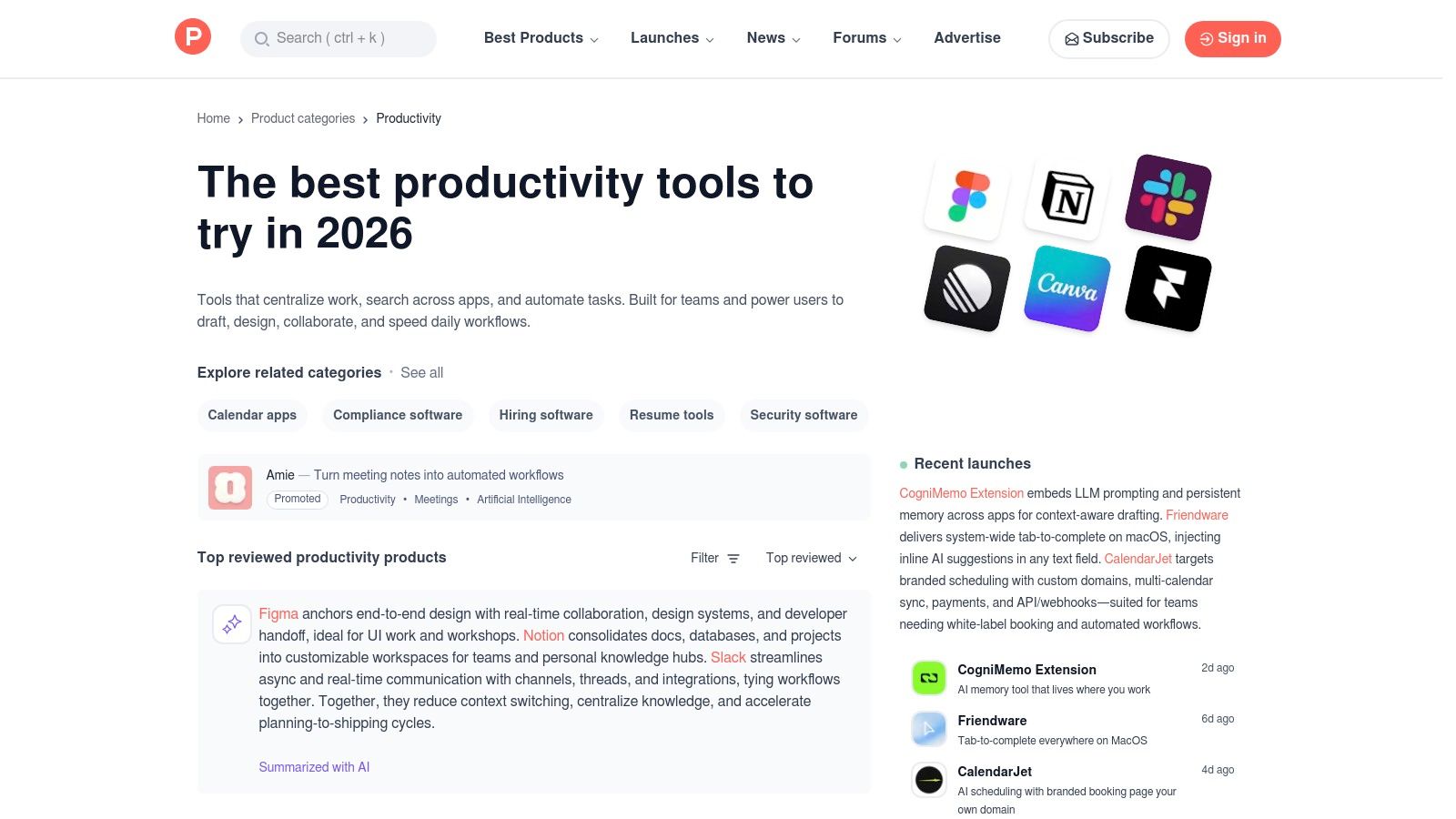
Its strength lies in the rich context it provides. Each product page features maker Q&As, user comments, screenshots, and often live demos, offering a 360-degree view that goes beyond a simple feature list. This format allows you to quickly gauge a tool's value proposition and community reception.
Key Information
- Pricing: Free to browse and participate.
- Best For: Teams and individuals scouting for innovative, emerging, and often niche productivity solutions. It’s also a valuable platform for developers seeking visibility. For insights into launching and gaining visibility for your productivity tool, you might read about a company's experience with Our First Foray Into Product Hunt.
- Pros: Excellent for discovering brand-new tools, real-time community feedback, and direct interaction with founders.
- Cons: The daily launch format can be hype-driven, and the quality of featured products can vary significantly day-to-day. While great for discovery, you might also want to explore some Product Hunt alternatives for SaaS discovery.
To get the most out of it, filter directly to the Productivity category and use subcategories like "Task Management" or "Time Tracking" to narrow your search.
2. SubmitMySaas
SubmitMySaas is a specialized discovery platform for new SaaS and AI tools, making it a curated alternative for finding some of the best productivity tools without the noise of larger, more generalized directories. It provides a clean, focused environment where users can browse daily launches, trending products, and monthly winners, ensuring visibility for high-quality, emerging software. The platform is built for both discovery and promotion, offering a streamlined process for founders to showcase their tools to an engaged audience.
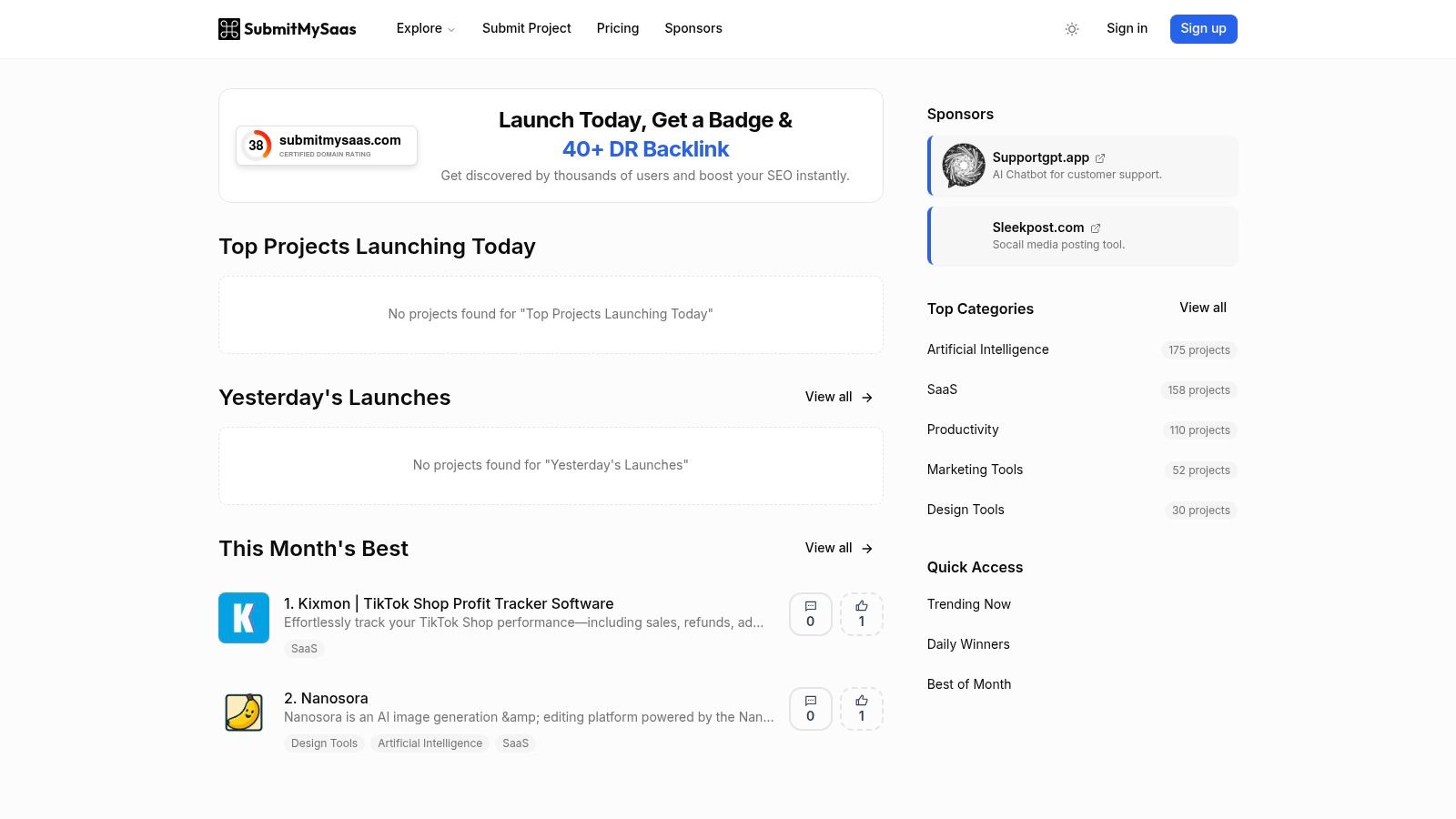
Its value lies in its niche focus. Unlike broader platforms, SubmitMySaas caters specifically to SaaS buyers and tech enthusiasts, which means the productivity tools featured are often highly relevant and innovative. Each listing includes essential details like feature summaries, pricing, and categories, allowing for quick and efficient evaluation of whether a tool meets your specific needs.
Key Information
- Pricing: Free to browse. Paid packages are available for founders to launch and promote their products.
- Best For: Individuals and teams looking for a curated list of new SaaS productivity tools, and founders seeking targeted exposure within the SaaS community. For founders, it is a great website to promote a SaaS startup.
- Pros: Highly focused on SaaS and AI, simple submission process for founders, and clear categorization for easy browsing.
- Cons: The catalog of tools is smaller than on larger discovery platforms, and the depth of user reviews and community discussion can vary.
To find relevant tools, navigate directly to the Productivity category and check the "Top Projects Launching Today" or "Winners" sections for vetted options.
3. G2 (Collaboration & Productivity)
G2 is a leading B2B software marketplace and review platform, acting as a crucial resource for businesses evaluating technology. Its Collaboration & Productivity hub consolidates thousands of verified user reviews, detailed product profiles, and comparative data, making it an authoritative source for shortlisting the best productivity tools for specific organizational needs. Unlike platforms driven by daily discovery, G2 offers a more structured, data-centric approach to software selection.
The platform's signature Grid Reports are a standout feature. These reports plot products based on user satisfaction and market presence, giving buyers a quick visual reference of category leaders, contenders, and niche solutions. This data-driven framework helps teams move beyond marketing hype and make informed decisions based on extensive peer feedback.
Key Information
- Pricing: Free for browsing reviews and reports.
- Best For: Businesses and enterprise teams conducting formal software evaluations, especially those needing to compare established players and validate choices with verified peer reviews. It’s excellent for in-depth research beyond simple feature lists.
- Pros: Extensive and verified B2B reviews provide trustworthy insights, and granular filters allow for highly specific software evaluation based on company size, role, and industry. The annual awards also highlight top-rated tools.
- Cons: Sponsored placements can sometimes appear high in category results, potentially skewing initial impressions. The depth and quality of review data can also vary significantly between popular and less-established products.
To use G2 effectively, apply filters for your company size and industry to see the most relevant reviews. While browsing, you can find detailed comparisons on a variety of software types, similar to how one might research the best marketing automation software before making a purchase.
Visit G2
4. Capterra (Productivity Software)
Capterra serves as a comprehensive software review and selection platform, and its Productivity Software category is a powerful resource for established teams. Unlike discovery-focused sites, Capterra excels at providing structured, comparable data on well-vetted tools, making it one of the best productivity tools for methodical evaluation. Its detailed filtering system allows users to drill down by features, pricing models, deployment type, and user ratings to create a direct comparison.
The platform’s strength is in its sheer volume of user-generated reviews and comparison articles. It consolidates feedback from a broad user base, offering insights into long-term usability and customer support that are hard to find elsewhere. This makes it an ideal second stop after you've identified potential tools and need to validate them with real-world experiences.
Key Information
- Pricing: Free for browsing and comparison.
- Best For: Teams and organizations performing a formal software evaluation process who need to compare established productivity solutions based on specific features, pricing, and verified user reviews.
- Pros: Extensive filtering options for detailed comparisons, large volume of user reviews for established software, and clear pricing model flags (free, monthly, etc.).
- Cons: Sponsored listings are given prominent placement, which can influence visibility. The quality and depth of user reviews can vary significantly from one product to another.
To use it effectively, apply multiple filters at once. For example, search for "Task Management" with a "Free Trial" and sort by "Highest Rated" to quickly shortlist top-tier options.
Visit Capterra (Productivity Software)
5. AlternativeTo (Office & Productivity)
AlternativeTo is less a single tool and more a strategic directory for making informed software decisions. When you find a productivity app you like but it's too expensive, lacks a key feature, or isn't available on your preferred platform, this is where you go. It’s a crowd-sourced platform that helps you find better alternatives to the software you already use, making it an invaluable resource for substitution and migration research.
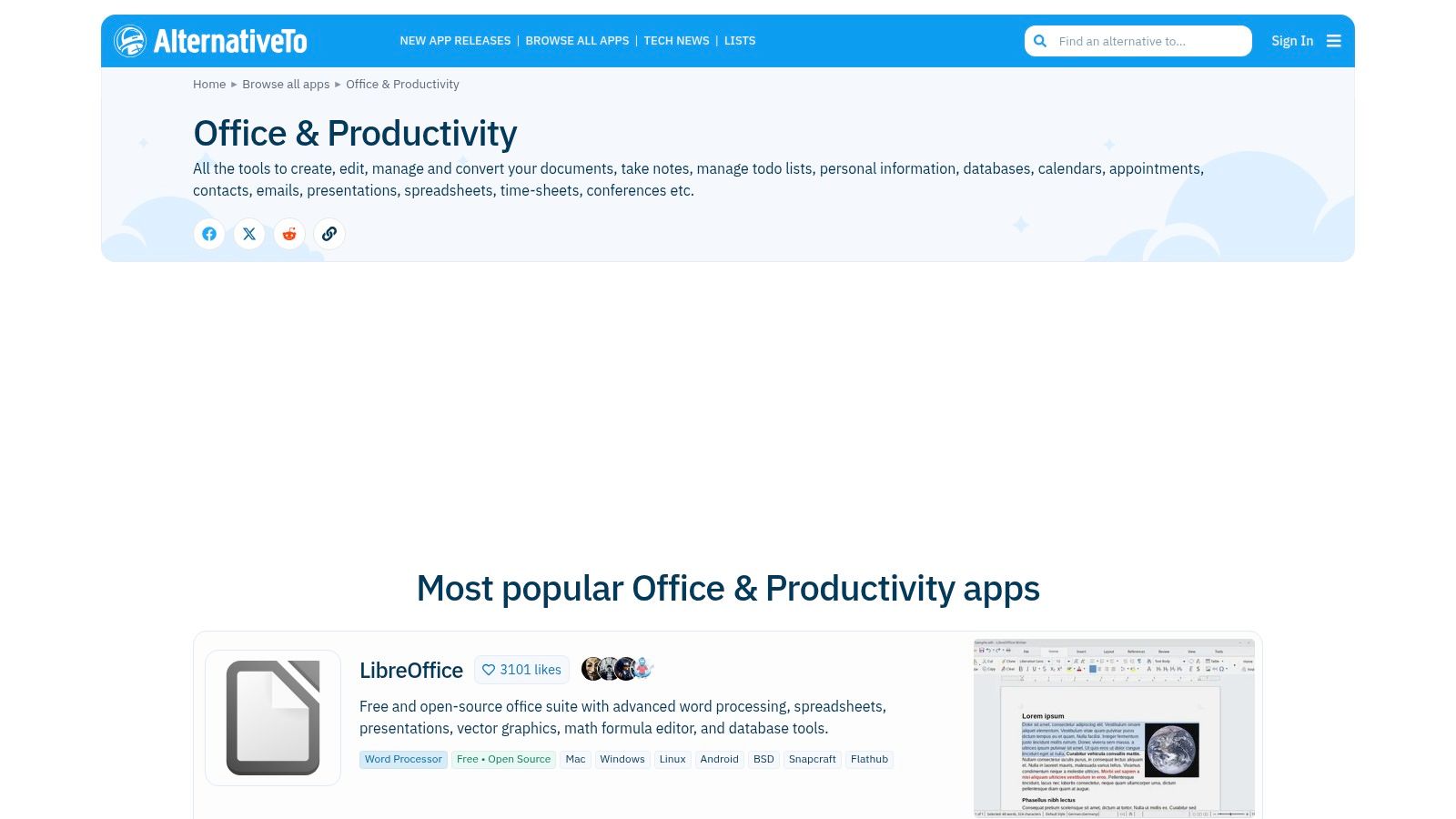
Its core strength is its powerful filtering system. You can narrow down alternatives by platform (macOS, Windows, Web), license (free, open-source, paid), and specific features, ensuring you find a tool that fits your exact workflow and budget. This practicality makes it one of the best productivity tools for anyone looking to optimize their software stack without endless trial-and-error.
Key Information
- Pricing: Free to browse and contribute.
- Best For: Individuals and teams looking to replace an existing tool, compare similar applications, or find free/open-source equivalents to popular commercial software.
- Pros: Excellent for substitution and migration research, broad coverage across platforms, and powerful filtering options.
- Cons: The depth of user reviews can be inconsistent across different listings, and it lacks the enterprise-level buyer context found on sites like G2 or Capterra.
To use it effectively, start with a tool you know, then use the platform and license filters to find a perfect-fit alternative that meets your specific needs.
Visit AlternativeTo (Office & Productivity)
6. Google Workspace Marketplace (Productivity)
For teams deeply integrated into the Google ecosystem, the Google Workspace Marketplace is a goldmine for enhancing existing workflows. Instead of offering standalone applications, it provides a curated library of add-ons and integrations that plug directly into tools like Gmail, Docs, Sheets, and Calendar. This transforms your familiar applications into more powerful, specialized platforms without forcing you to switch contexts.
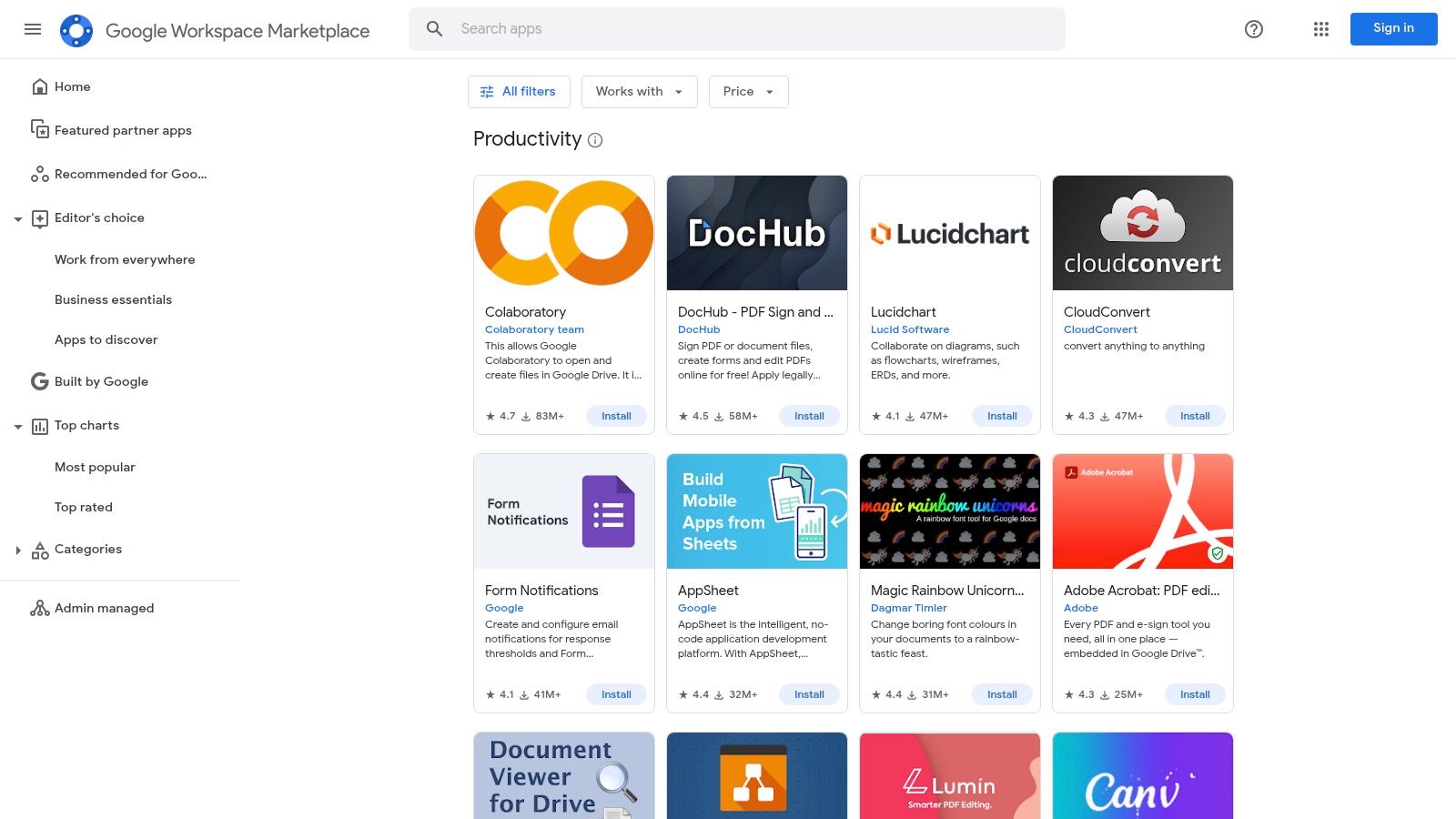
The platform’s core strength is its native integration. You can find everything from project management tools that create tasks from emails to e-signature apps that work inside Google Docs. Because these tools are vetted by Google and often require specific permissions, they offer a secure way to extend functionality. Workspace Admins can also centrally manage and deploy add-ons across an entire organization, ensuring consistency and security.
Key Information
- Pricing: Varies by add-on. Many offer free tiers or trials, while others are paid or require a subscription to a parent service.
- Best For: Companies and individuals who use Google Workspace as their central operational hub and want to add specific functionalities directly into their primary tools.
- Pros: Seamless integration with Google Workspace apps, centralized admin deployment and security controls, and a rating system to gauge app quality.
- Cons: Limited to the Google ecosystem, and the quality or depth of add-ons can vary significantly compared to full-featured standalone applications.
To use it effectively, filter by the specific Google app you want to enhance (e.g., Gmail) and sort by user rating to find the most trusted and effective productivity tools.
Visit Google Workspace Marketplace (Productivity)
7. Chrome Web Store (Productivity Collections)
The Chrome Web Store is a powerful, often-overlooked hub for enhancing productivity directly within your browser. Rather than committing to a standalone application, you can install lightweight extensions that integrate seamlessly into your existing workflows. This approach allows for targeted improvements, letting you add specific functionalities like a distraction blocker, a tab manager, or a quick-capture note-taker without overhauling your entire system.
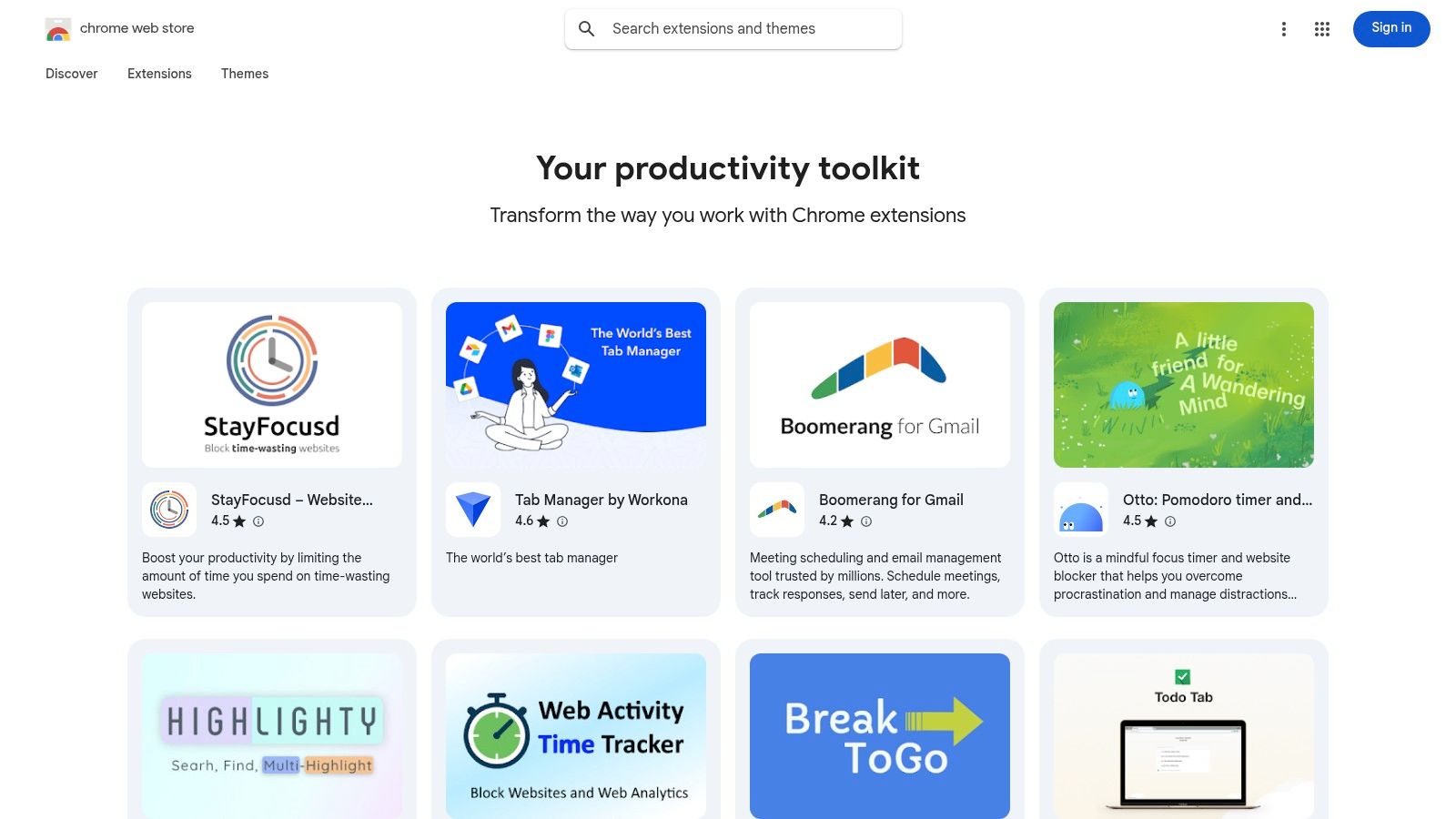
Its strength lies in accessibility and specialization. You can find niche tools that solve very specific problems, from blocking social media sites during work hours to automatically organizing your downloads. Curated collections like “Your productivity toolkit” and “Get organized” provide excellent starting points, while user ratings and install counts offer social proof to help you choose high-quality add-ons.
Key Information
- Pricing: The vast majority of extensions are free or offer a generous freemium model.
- Best For: Individuals and teams who want to make quick, low-friction improvements to their browser-based work without adopting entirely new SaaS platforms.
- Pros: Fast one-click installation, massive selection of free and affordable tools, and the ability to customize your browser into a personalized productivity command center.
- Cons: The quality and security of extensions vary greatly by publisher. Extensions are also browser-scoped, limiting their functionality outside of Chrome or Chromium-based browsers.
To get the most value, look for extensions that have been recently updated and have a high number of positive reviews.
Visit Chrome Web Store (Productivity Collections)
8. Apple App Store (Productivity)
For those embedded in the Apple ecosystem, the App Store is more than just a marketplace; it's a highly curated discovery engine for the best productivity tools designed to work seamlessly across iPhone, iPad, and Mac. Its strength lies in its rigorous vetting process and editorial curation, which surfaces high-quality, secure, and well-integrated applications. Users benefit from features like "Today" stories and curated lists that spotlight exceptional productivity apps.
Unlike open platforms, the App Store provides a layer of trust through its privacy labels, security reviews, and verified user ratings. This makes it a reliable source for finding tools that respect user data and offer a polished user experience. The deep OS integration of its apps often enables powerful features like Handoff, iCloud sync, and Shortcuts automation that are unavailable elsewhere.
Key Information
- Pricing: Free to browse; app prices vary (free, freemium, paid, subscription).
- Best For: Apple-centric individuals and teams seeking deeply integrated, secure, and vetted productivity applications for their devices.
- Pros: Broad, high-quality catalog with strong device integration, trusted security and privacy standards, and easy cross-device management.
- Cons: The discovery experience is split between the web and native apps, and feature parity can sometimes differ between the Mac and iOS versions of the same tool.
To find the best tools, use the dedicated "Productivity" category and explore the curated collections like "Get Organized" or "Apps for Work" for editor-endorsed recommendations.
Visit Apple App Store (Productivity)
9. Microsoft Marketplace
For organizations deeply integrated into the Microsoft ecosystem, the Microsoft Marketplace is the definitive hub for discovering compliant and pre-vetted productivity tools. It acts as a unified storefront for cloud solutions, AI apps, and business software designed to extend the functionality of products like Microsoft 365, Dynamics 365, and Azure. This makes it an essential resource for IT managers and teams seeking to enhance their workflows within a secure, managed environment.
The platform’s core strength is its tight integration with Microsoft’s commercial and technical infrastructure. It simplifies procurement by allowing purchases through existing Microsoft agreements and streamlines deployment directly into your cloud environment. This centralized approach ensures that any new tool meets enterprise-grade security and compliance standards from the start.
Key Information
- Pricing: Free to browse; app pricing varies from free to enterprise-level subscriptions.
- Best For: Enterprise and SMB teams using Microsoft 365, Azure, or Dynamics who need to source productivity tools that are compliant, secure, and easily deployable.
- Pros: Streamlined buying under existing Microsoft agreements and in-product discovery (e.g., finding add-ins directly within Outlook or Power Platform).
- Cons: The marketplace is heavily enterprise-tilted and can feel complex for solo users or small businesses. Listings often require trials or proofs-of-concept rather than instant purchases.
To use it effectively, filter directly to the Productivity category and leverage sub-filters for specific Microsoft products like Teams or Power BI to find relevant integrations.
10. Setapp
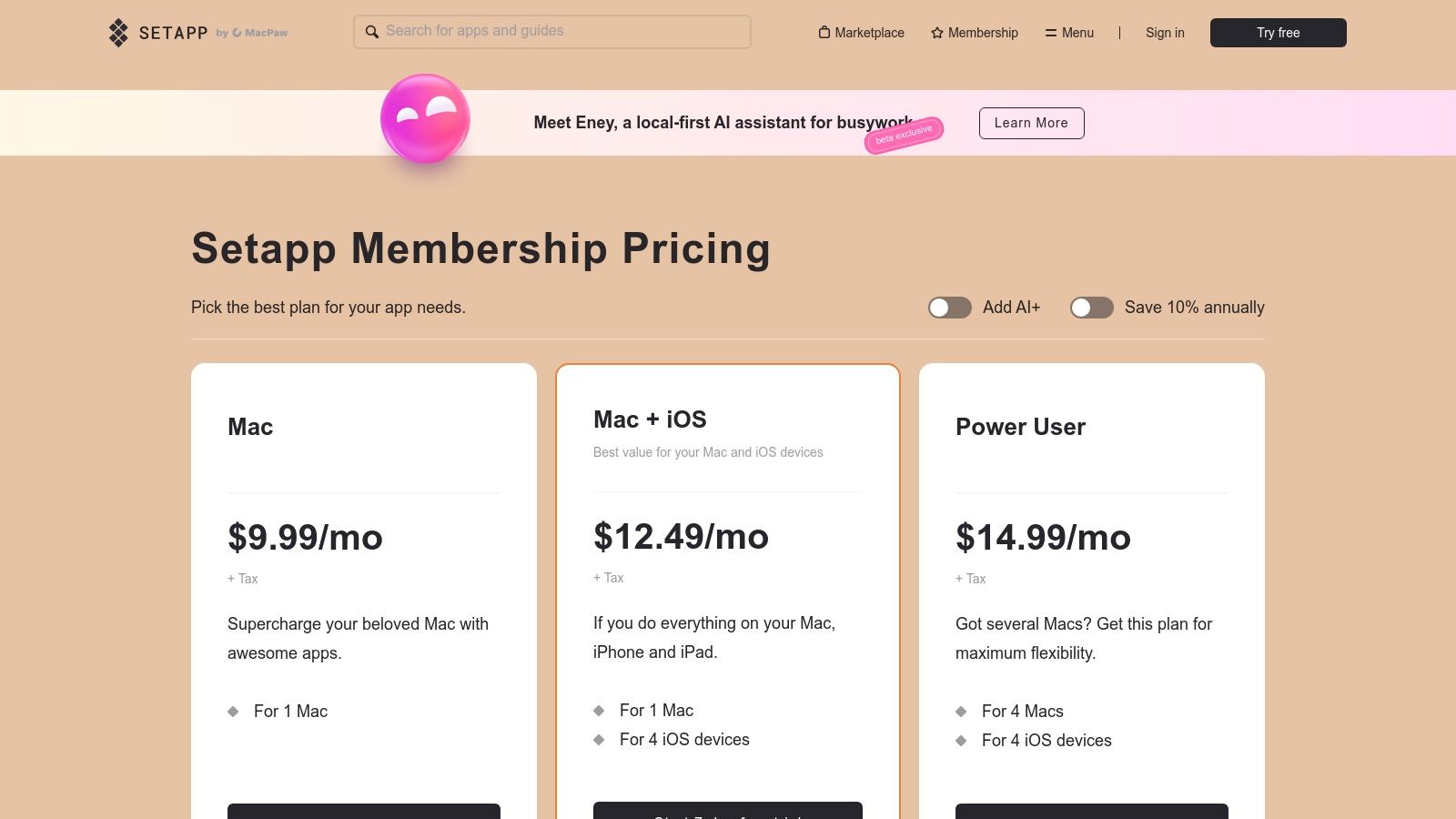
Setapp operates like a "Netflix for Mac apps," offering a subscription service that bundles over 260 curated macOS and iOS applications into a single package. Instead of purchasing dozens of individual licenses, users get unlimited access to a high-quality library of tools covering everything from task management and writing to system maintenance and automation. This makes it one of the best productivity tools for users deeply embedded in the Apple ecosystem.
Its core value is in providing a frictionless way to experiment with and use premium software without the commitment of individual purchases. The catalog includes well-regarded apps like Ulysses, CleanMyMac X, and MindNode, ensuring that the quality remains high. All apps are fully featured, ad-free, and automatically updated, streamlining the user experience significantly.
Key Information
- Pricing: Starts at $9.99/month for Mac only. Plans are available that include iOS devices or multiple Macs for teams. A 7-day free trial is available.
- Best For: Mac-heavy teams, developers, and creative professionals who regularly use a variety of specialized applications and want to avoid managing multiple subscriptions and licenses.
- Pros: Exceptional value if you use even a few of the included apps, high-quality curation reduces the need to vet software, and a single subscription simplifies billing.
- Cons: The service is exclusively for the Apple ecosystem (macOS and iOS), and the app library is subject to change, meaning a tool you rely on could potentially be removed.
To maximize its value, browse the full library during the trial period to see how many of your current paid apps could be replaced by the Setapp collection.
11. AppSumo
AppSumo is not a productivity tool itself, but a digital marketplace offering heavily discounted, often lifetime, deals on emerging software. It serves as a fantastic resource for individuals and teams looking to adopt some of the best productivity tools without committing to expensive monthly subscriptions. By featuring rotating deals, it provides a cost-effective way to experiment with and permanently acquire powerful apps that can enhance your workflow.
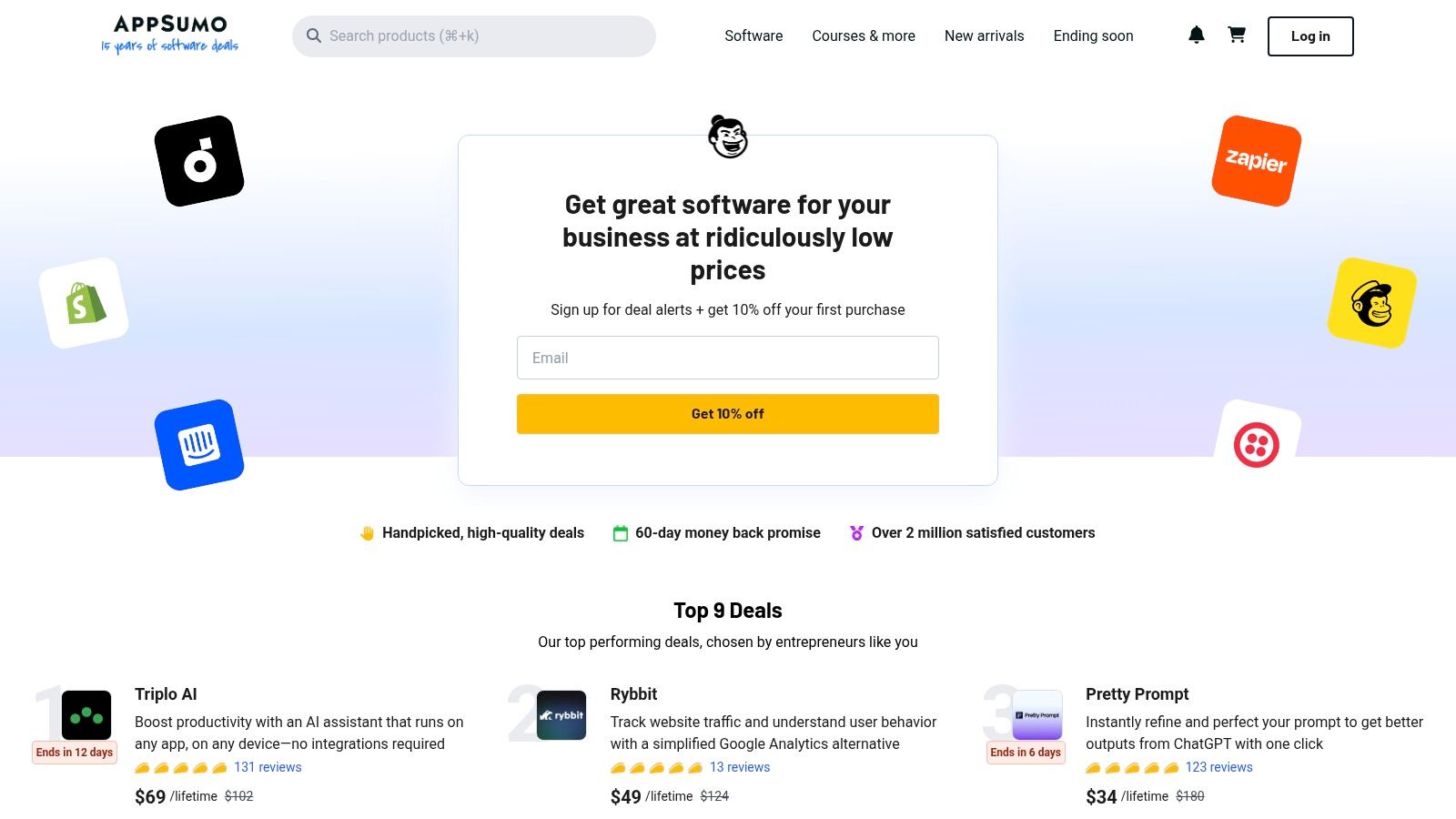
The platform's value lies in its unique deal structure and community engagement. Each product listing is accompanied by user reviews, questions, and direct Q&A with the founders, helping you vet a tool's capabilities and support quality before purchasing. This community-driven insight is invaluable for making informed decisions on software that might be new to the market.
Key Information
- Pricing: Free to browse; deals vary in price, often offering lifetime access for a one-time fee.
- Best For: Solopreneurs, startups, and small teams looking to build a robust software stack on a budget. It's ideal for acquiring powerful tools at a fraction of their standard cost.
- Pros: Exceptional cost savings with lifetime deals, a wide variety of software across many categories, and community reviews that provide honest feedback.
- Cons: Deals are time-sensitive and can sell out quickly. The long-term viability of a tool depends on the vendor's success, which can be a risk with newer companies.
For maximum benefit, check the "Productivity" category regularly and pay close attention to the user review section to gauge the long-term potential of any tool you consider.
12. Slack App Directory / Marketplace
While Slack is a communication hub, its true power as one of the best productivity tools is unlocked through the Slack App Directory. This marketplace allows you to integrate thousands of other applications directly into your workspace, transforming conversations into actionable tasks and workflows. Instead of toggling between tabs, you can bring updates, approvals, and notifications from tools like Google Calendar, Asana, and Jira right into your channels.
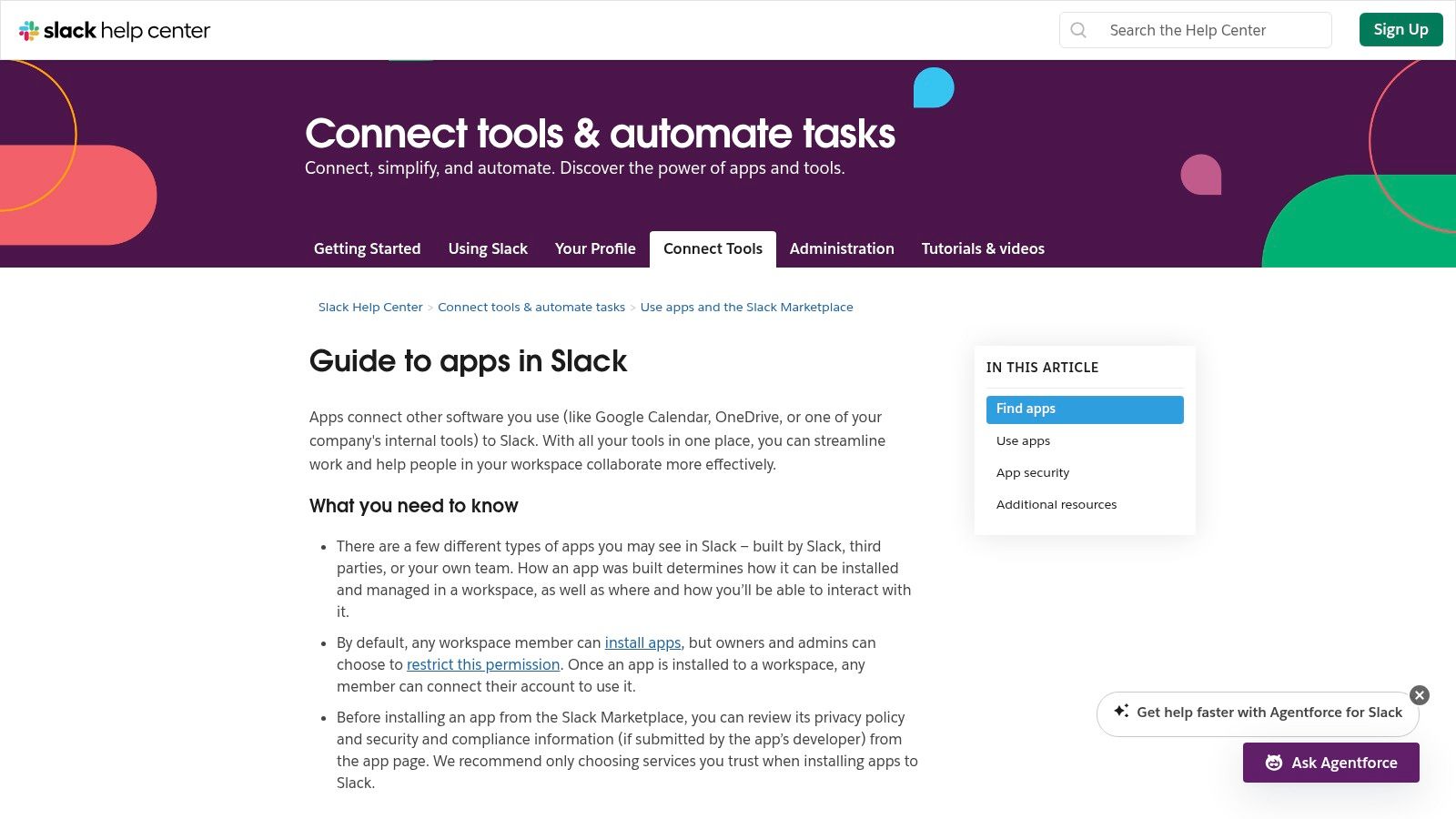
The platform’s strength is in centralizing your entire software stack. You can receive real-time notifications, trigger actions in other apps using slash commands, and even build custom automations with Slack’s Workflow Builder. This deep integration streamlines processes by keeping work flowing within the context of your team's discussions, dramatically reducing context-switching.
Key Information
- Pricing: Free to browse and install apps (individual app subscriptions may apply).
- Best For: Teams that already use Slack as their primary communication tool and want to consolidate their workflows and notifications.
- Pros: Significantly reduces context-switching, offers over 2,000 integrations for diverse needs, and provides easy installation with admin controls for workspace security.
- Cons: The primary value is contingent on your team's adoption of Slack. The quality and depth of integrations can vary greatly between apps, with some offering only basic notifications.
To maximize its utility, start by identifying your team's most frequently used tools and search for their official Slack integrations. Use editorial roundups within the directory to discover new and useful apps.
Visit Slack App Directory / Marketplace
Top 12 Productivity Resources Comparison
| Platform | Core features | Quality (★) | Value (💰) | Audience (👥) | Why choose (✨) |
|---|---|---|---|---|---|
| Product Hunt | Daily launches, voting, reviews, maker Q&A | ★★★★ | 💰 Free browse; paid promos | 👥 Early adopters, makers, teams | ✨ Fast trend signals; rich context |
| 🏆 SubmitMySaas | Curated product pages, daily/trending, launch package (35+ DR backlinks) | ★★★★★ | 💰 Launch packages + SEO/backlinks | 👥 SaaS founders & targeted buyers | 🏆 ✨ Niche SaaS focus; instant SEO & simple submissions |
| G2 (Collab & Productivity) | Verified B2B reviews, satisfaction & presence scoring, buyer guides | ★★★★★ | 💰 Free browse; sponsored placements | 👥 Enterprise buyers, procurement | ✨ Deep verified reviews & granular filtering |
| Capterra (Productivity) | 500+ listings, filters, buyer guides & comparisons | ★★★★ | 💰 Free browse; prominent sponsored spots | 👥 Teams shortlisting options | ✨ Easy filtering & clear pricing flags |
| AlternativeTo (Office & Productivity) | “Alternatives to” pages, platform/license filters, popularity signals | ★★★ | 💰 Free; community-driven | 👥 Users researching replacements/migrations | ✨ Excellent for substitution research |
| Google Workspace Marketplace | Add-ons for Gmail/Docs/Sheets/Calendar; admin deployment | ★★★★ | 💰 Free & paid add-ons | 👥 Google Workspace admins & teams | ✨ Native integrations + enterprise controls |
| Chrome Web Store (Productivity) | Browser extensions, curated collections, one-click installs | ★★★ | 💰 Mostly free / freemium | 👥 Browser power users | ✨ Low-friction workflow improvements |
| Apple App Store (Productivity) | Editorial picks, category curation, privacy reviews | ★★★★★ | 💰 Paid / free / IAP | 👥 Apple-first teams & users | ✨ Vetted apps with deep device integration |
| Microsoft Marketplace | SaaS, add-ins, AI agents; procurement & compliance support | ★★★★ | 💰 Enterprise billing & paid offers | 👥 Microsoft-centric organizations | ✨ Streamlined buying under MS agreements |
| Setapp | One subscription for 260+ macOS/iOS productivity apps | ★★★★ | 💰 Subscription (trial available) | 👥 Mac/iOS users & creators | ✨ High-value curated app bundle |
| AppSumo | Rotating deals, lifetime offers, refund windows & community Q&A | ★★★ | 💰 Deal-driven (lifetime/discounts) | 👥 Bargain hunters, indie makers | ✨ Cost-effective way to test/adopt tools |
| Slack App Directory | 2,000+ integrations, Workflow Builder compatibility, editorials | ★★★★ | 💰 Many free; paid integrations | 👥 Slack-first teams | ✨ In-channel apps that reduce context switching |
Building Your Perfect Stack: From Discovery to Deployment
Navigating the expansive landscape of productivity software can feel like both a thrilling expedition and an overwhelming task. We've journeyed through a dozen distinct platforms, from the hype-driven launchpads of Product Hunt to the comprehensive review ecosystems of G2 and Capterra, and the deal-centric marketplaces like AppSumo. Each destination offers a unique lens through which to view and discover the tools that promise to streamline our workflows, automate our mundane tasks, and ultimately, free up our most valuable resource: time.
The central takeaway is that there is no single "best" productivity tool; rather, the power lies in building a personalized, integrated stack that functions as a cohesive extension of your team's unique processes. The marketplaces we've explored are not just catalogs; they are strategic resources for discovery and validation. A tool trending on Product Hunt might signal innovation, while a high rating on G2 suggests reliability and widespread adoption. Likewise, finding a gem on a specialized platform like SubmitMySaas could give you an early-adopter advantage with a niche solution perfectly tailored to your startup's needs.
From List to Action: Your Next Steps
Merely knowing about the best productivity tools is not enough. The true test of their value begins with strategic implementation. As you move from discovery to deployment, a thoughtful approach is critical to avoid the common pitfall of "tool fatigue," where managing your software becomes a job in itself.
To build an effective stack that actually enhances productivity instead of hindering it, consider the following actionable steps:
- Conduct a Workflow Audit: Before you even select a tool, map out your current processes. Identify the specific bottlenecks, repetitive tasks, and communication gaps you want to solve. Are you losing time switching between apps? Is project visibility a constant struggle? This audit will provide a clear problem statement that a new tool must solve.
- Start with a "Keystone" Application: Identify the central hub of your workflow. For many, this might be a project management tool like Asana or a communication platform like Slack. Your goal should be to select new tools that integrate seamlessly with this keystone app, creating a unified system rather than a collection of disconnected islands. Use the Slack App Directory or Google Workspace Marketplace to find tools that extend the functionality you already rely on.
- Prioritize Integration Over Features: A tool with a hundred features is useless if it doesn't communicate with the rest of your stack. When evaluating options, look for robust API access, native integrations with your key software (e.g., CRM, calendar, cloud storage), and support for automation platforms like Zapier or Make. This interconnectedness is the foundation of a truly productive ecosystem.
Measuring Impact and Avoiding the "Shiny Object" Syndrome
Implementing a new tool requires an investment of both time and money. To ensure a positive return, it's crucial to define what success looks like beforehand and to continuously measure the impact.
- Establish Key Performance Indicators (KPIs): Define clear metrics to track. This could be a reduction in time spent on administrative tasks (measured via a time-tracker), a decrease in the number of internal emails, or a faster project completion rate.
- Run Pilot Programs: Instead of a company-wide rollout, test a new tool with a small, dedicated team. This pilot group can identify potential issues, develop best practices, and serve as internal champions during a broader implementation.
- Gather Qualitative Feedback: Quantitative data tells only part of the story. Regularly solicit feedback from your team. Does the tool feel intuitive? Is it saving them time, or is it adding unnecessary complexity? User adoption is the ultimate indicator of a tool's success.
The search for the best productivity tools is a continuous journey, not a one-time destination. The SaaS world is dynamic, with new and innovative solutions launching every day on platforms like Product Hunt and SubmitMySaas. By adopting a mindset of continuous improvement, staying curious, and focusing on solving real problems, you can build a productivity stack that not only supports your current needs but also scales with your future ambitions. Your perfect system is out there, waiting to be assembled.
Are you building the next game-changing productivity tool? Don't let your innovation get lost in the noise. Get discovered by thousands of early adopters, founders, and tech enthusiasts by listing your product on SubmitMySaas. Visit SubmitMySaas today to gain the visibility and traction your SaaS deserves.